







Crystal Reports Migration Without Starting From Scratch
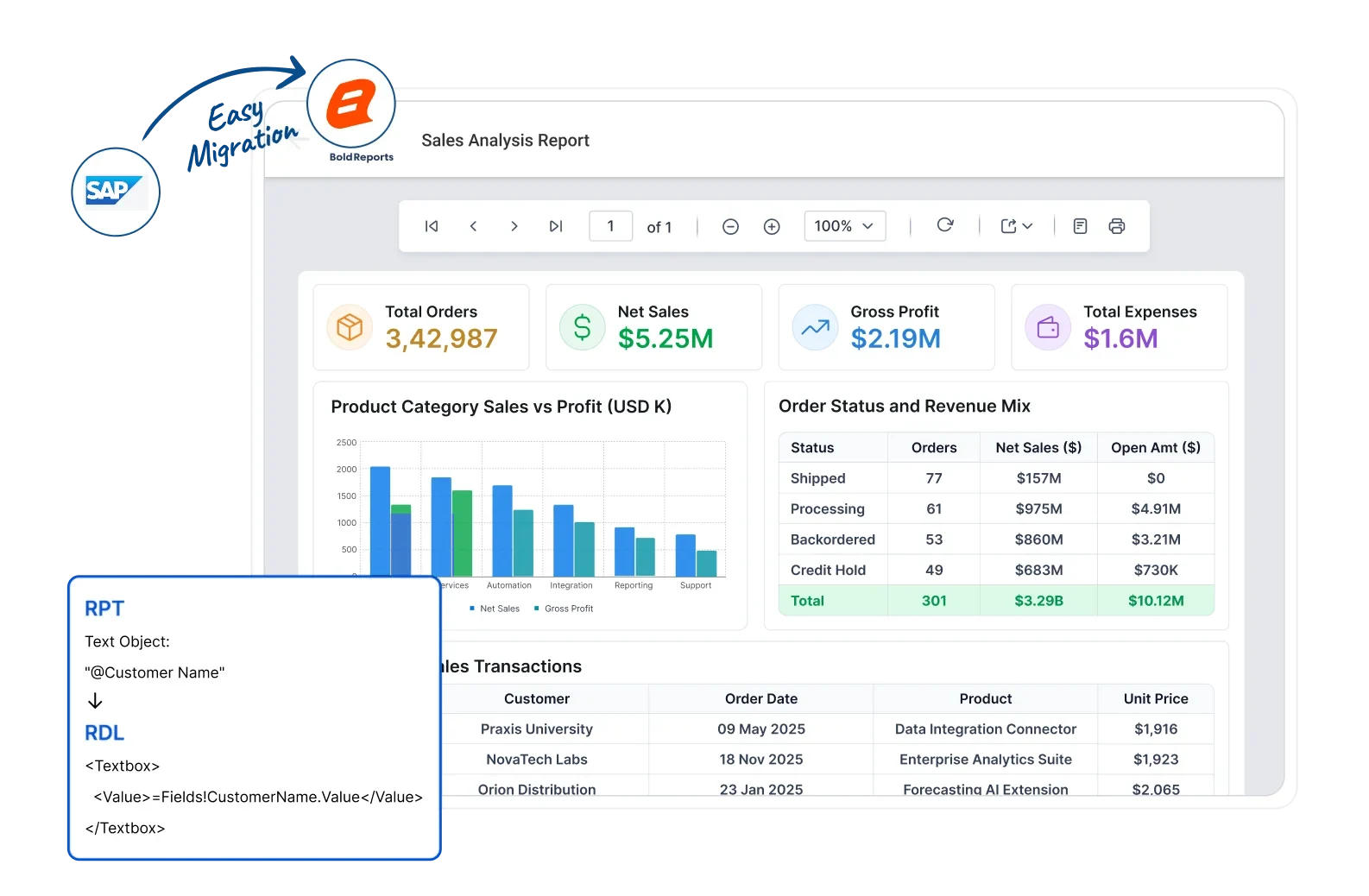
Modernize legacy SAP Crystal Reports workflows with Bold Reports. Reduce manual migration effort while preserving report investments where possible. SAP lists Crystal Reports 2020 mainstream maintenance ending on December 31, 2026, so now is the time to plan your migration.
Rebuild Approach
Onboarding
RDL Conversion
Migration Guidance
Minimal
Rebuild Approach
Dedicated
Onboarding
Automated
RDL Conversion
Get Free
Migration Guidance
J&J
Schneider
Bridgestone
Siemens
Verizon
HP
Fidelity
Intel
Crystal Reports Maintenance Timeline
Understand key SAP Crystal Reports maintenance milestones and plan your reporting modernization with confidence.
64-Bit Runtime Transition & Platform Readiness
SAP notes that 32-bit Crystal Reports .NET Runtime will be discontinued after December 2025. Teams using 32-bit runtimes should plan a 64-bit transition.
Crystal Reports 2020 Maintenance Milestone
SAP lists Crystal Reports 2020 mainstream maintenance ending on December 31, 2026. Review your support roadmap and upgrade strategy ahead of this milestone.
Crystal Reports 2025 Maintenance Milestone
SAP currently lists Crystal Reports 2025 mainstream maintenance through December 2027. Verify your edition, runtime, and support path in SAP’s PAM.
-
Delaying migration planning can reduce the time available to assess reports, validate compatibility, and move to a modern reporting platform.
Why More Organizations Are Moving Beyond Crystal Reports
As Crystal Reports reaches key lifecycle milestones, organizations are modernizing their reporting infrastructure while preserving existing reports and improving web accessibility, scalability, and long-term platform stability. This Crystal Reports modernization approach lets teams migrate at their own pace instead of forcing a disruptive rebuild.
Challenges with Crystal Reports
-
Maintenance Rising maintenance and support costs for legacy reporting environments.
-
Accessibility Desktop-first architecture limits remote access and collaboration.
-
Development Report updates often require specialized Crystal Reports expertise.
-
Integration Integrating reports into modern web applications can be complex.
-
Modernization Legacy infrastructure slows cloud adoption and digital transformation.
-
Product Support End-of-life milestones and limited updates increase long-term planning challenges.
How Bold Reports Helps
-
Administration Centralized and streamlined report management with simplified administration.
-
Web Access Secure browser-based reporting accessible anywhere.
-
RDL Reporting SSRS-compatible RDL reporting with easier long-term maintenance.
-
Embedded Reporting Native APIs and SDKs for modern application integration.
-
Flexible Deployment Cloud and on-premises deployment options to support modernization.
-
Continuous Releases Regular product updates, ongoing support, and continuous enhancements for long-term reliability.
Minimal Recreation Effort.
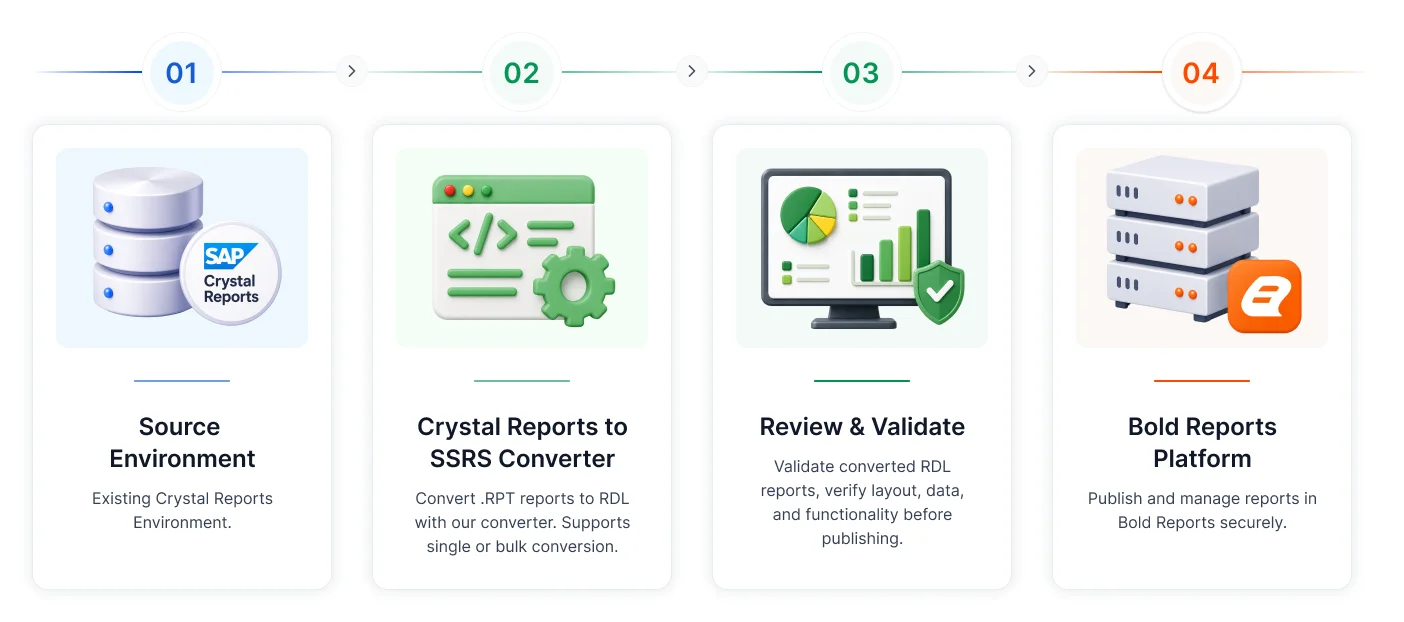
Migration is less complex than you think. Get started in 3 steps
How Crystal Reports Migration Works
A structured Crystal Reports migration process helps recreate Crystal Reports in the RDL format while simplifying validation and production deployment. Follow these Crystal Reports migration steps to get started.
Select Source & Destination
Select the folder containing your Crystal Reports (.rpt) files and choose the destination for the converted RDL files.
Convert Reports
Run the migration utility to automatically process and migrate Crystal Reports in the RDL format.
Validate & Deploy
Validate the converted reports and deploy them to your Bold Reports environment for browser-based reporting.
Expert migration guidance available.
Planning Your Crystal Reports Migration?
Compare Crystal Reports with Bold Reports to understand how modern reporting simplifies report management, browser-based deployment, application integration, and long-term maintenance. Explore the differences before starting your migration journey.
No credit card required.
How the Crystal Reports Conversion Works
Convert Crystal Reports to SSRS-compatible RDL files while preserving report layouts, formulas, parameters, and business logic wherever applicable. Moving Crystal Reports to RDL, step by step: convert your .rpt files to RDL automatically, then validate the converted reports before deploying to production.
Preserve Your Crystal Reports Investment During Migration
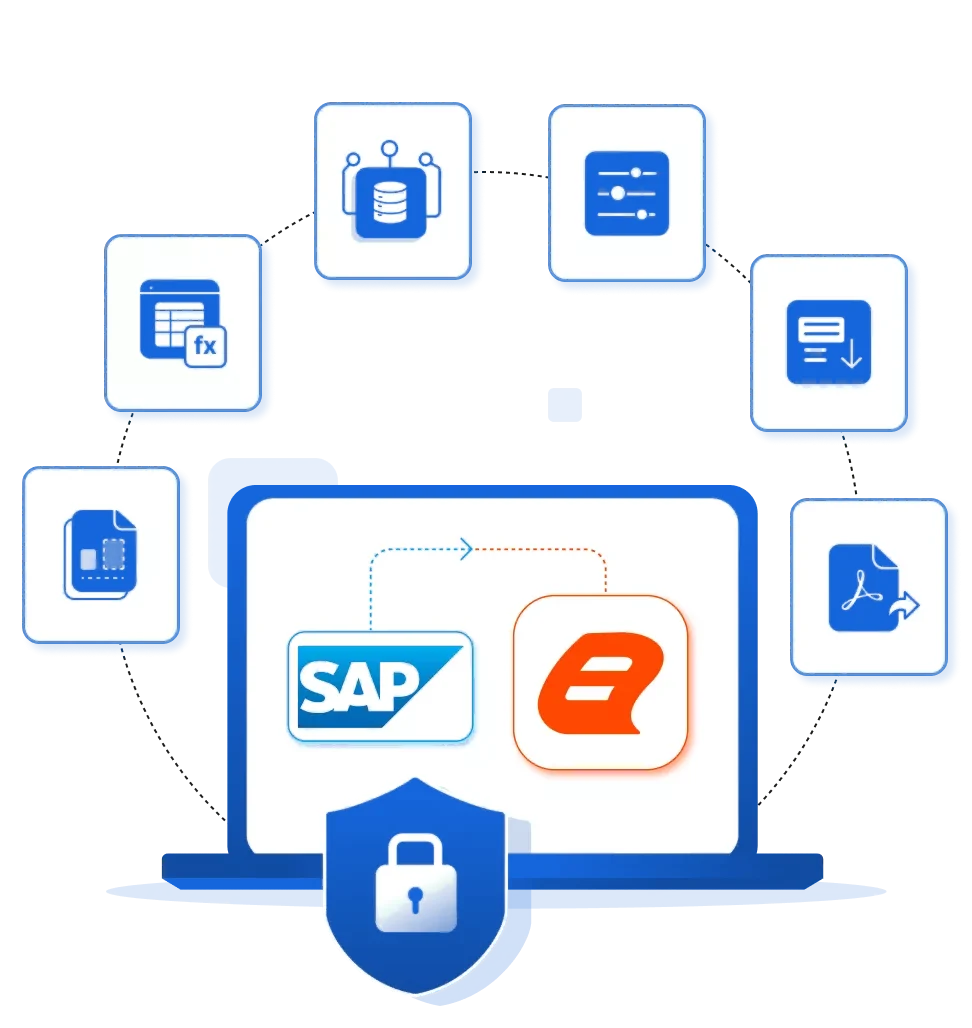
Migrate from Crystal Reports with minimal disruption. Preserve report layouts, formulas, parameters, data connections, and reporting workflows while modernizing your reporting environment with Bold Reports.
-
Report Layouts Tables, sections, charts, formatting, and report structure.
-
Business Logic Formulas, expressions, calculations, and conditional rules.
-
Parameters User prompts, report parameters, and filters.
-
Report Structure Grouping, sorting, summaries, and drill-down functionality.
-
Data Connectivity SQL Server, Oracle, MySQL, PostgreSQL, APIs, and other supported sources.
-
Export Options PDF, Excel, Word, CSV, and additional supported formats.
Here's why our customers love us
See how Bold Reports is making an impact in businesses with powerful reporting, as shared by our satisfied customers.
Bold Reports is a user-friendly and powerful reporting tool. The desktop designer and writer for .NET Core make report creation easy, and connecting to databases is seamless. It’s a great solution for generating offers, invoices, and reports in our CRM app.
Muhammed Y
Co-Founder & Full-Stack Developer

We switched from SSRS with little effort. It works great in our WPF and Blazor applications, supports our old reports, and lets developers create new ones easily. The pricing is fair for ISVs, and the support team is fast and helpful. Onboarding was smooth and responsive.
Aaron S
CEO
Bold Reports was easy to integrate and works smoothly. It creates clean, professional-looking reports, and the documentation is clear with plenty of helpful examples. I had no issues during setup and it was a great experience overall.
Domenico D
Funzionario

Bold Reports is easy to use, enabling both teams and business users to modify reports confidently. Setup is quick and smooth. It integrates well with SQL Server, Microsoft Fabric, and other tools, reduces infrastructure complexity, and works reliably for recurring reports.
Brad M
Chief Information Officer


Bold Reports is a user-friendly and powerful reporting tool. The desktop designer and writer for .NET Core make report creation easy, and connecting to databases is seamless. It’s a great solution for generating offers, invoices, and reports in our CRM app.
Muhammed Y
Co-Founder & Full-Stack Developer
We switched from SSRS with little effort. It works great in our WPF and Blazor applications, supports our old reports, and lets developers create new ones easily. The pricing is fair for ISVs, and the support team is fast and helpful. Onboarding was smooth and responsive.
Aaron S
CEO
Bold Reports was easy to integrate and works smoothly. It creates clean, professional-looking reports, and the documentation is clear with plenty of helpful examples. I had no issues during setup and it was a great experience overall.
Domenico D
Funzionario
Bold Reports is easy to use, enabling both teams and business users to modify reports confidently. Setup is quick and smooth. It integrates well with SQL Server, Microsoft Fabric, and other tools, reduces infrastructure complexity, and works reliably for recurring reports.
Brad M
Chief Information Officer

Regional Leader - Fall 2025 EMEA
Momentum Leader - Fall 2025
High Performer - Winter 2025
Best Support - Winter 2025
TrustRadius Tech Cares
Capterra - 4.8/5
G2- 4.1/5
GetApp - 4.8/5
Software Advice - 4.8/5
Frequently Asked Questions
Organizations are modernizing legacy reporting to reduce maintenance, improve accessibility, simplify application integration, and prepare for future business requirements.
Reports are recreated in the RDL format while preserving layouts, formulas, parameters, grouping, and business logic wherever applicable.
Yes. Reports with complex layouts, calculations, parameters, and business logic can be recreated using a structured migration approach.
Planning early provides time to assess reports, validate requirements, and modernize without unnecessary business disruption.
Yes. Migration guidance helps evaluate your environment, recommend best practices, and plan a successful migration.
A typical migration includes assessment, analysis, report recreation, validation, and production rollout.
The timeline depends on the number of reports, complexity, custom business logic, and validation requirements.
Yes. Reports are validated to verify layouts, calculations, and output before production deployment.
Yes. Many organizations migrate in phases based on business priorities and application readiness.
Migration can be planned alongside the existing reporting environment to minimize operational disruption.
Yes. Reports are recreated in the industry-standard RDL format supported by Bold Reports.
Yes. Reports can be embedded into ASP.NET Core, Angular, React, Blazor, JavaScript, and other applications.
Yes. Organizations can choose cloud or on-premises deployment based on business and compliance requirements.
Benefits include browser-based reporting, centralized report management, embedded reporting, enterprise security, and scalable deployment.
Because the reporting experience is preserved wherever applicable, user adoption is generally straightforward with onboarding guidance.
Yes. Dedicated Onboarding helps your team accelerate implementation with deployment guidance, best practices, and product training for a smoother migration experience.
If you're planning to migrate from Crystal Reports, refer to our How to Convert Crystal Reports to RDL in Bold Reports Knowledge Base article for step-by-step guidance on recreating reports in the RDL format.
Yes. Our migration specialists can assess your reporting environment, review report dependencies, recommend a structured migration approach, and help you plan your migration with confidence.
Yes. If your reports include custom business logic or unique reporting requirements, our team can review supported migration scenarios and recommend the best implementation approach.
Your internal team can manage the migration independently or work with Bold Reports experts for migration guidance, onboarding, and implementation assistance, depending on your project requirements.
Ready to Start Your Crystal Reports Migration?
Start your Crystal Reports migration with Minimal Rebuild guidance, Free Migration Guidance, and Dedicated Onboarding. Preserve your reporting investment with secure, scalable, browser-based reporting.
No credit card required.