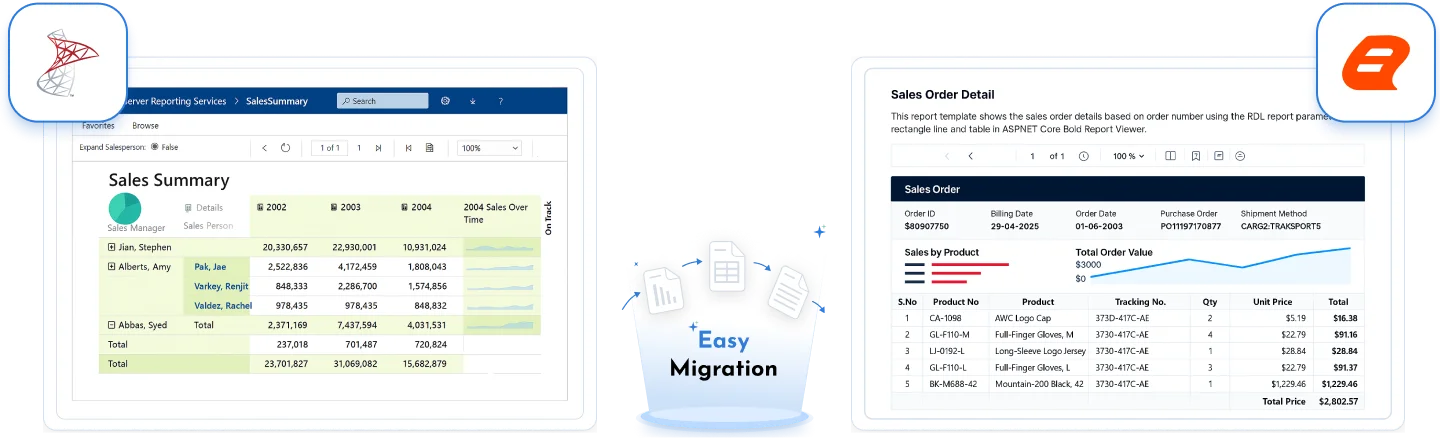







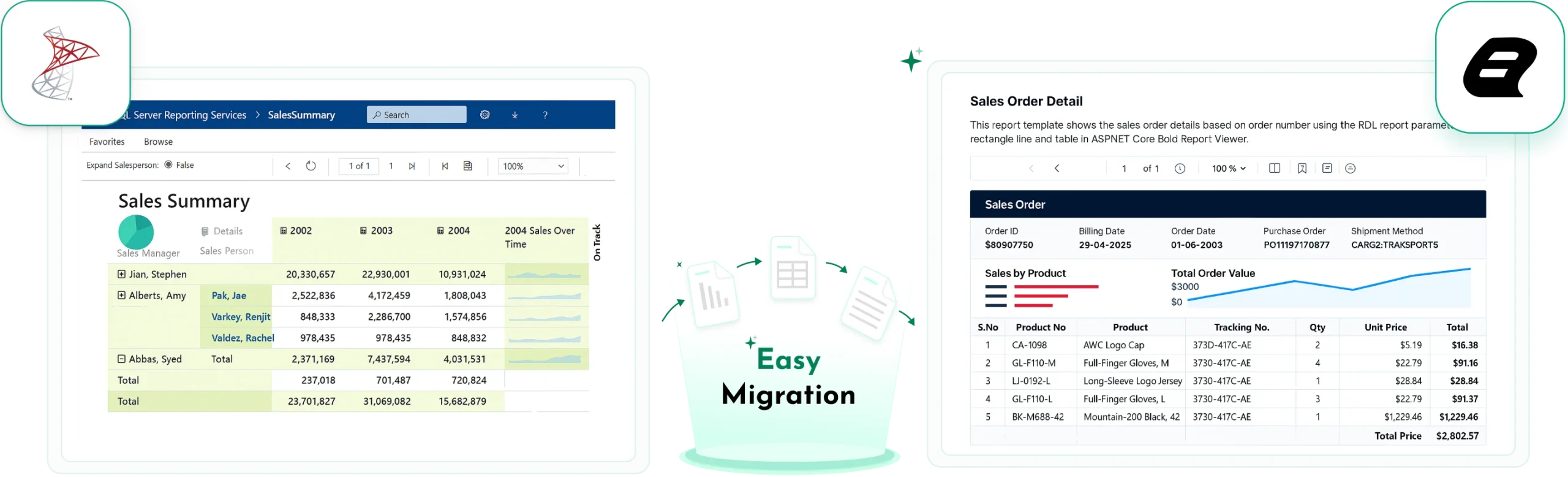








Migrate Your SSRS Reports to Bold Reports with Zero Rework
Keep your existing RDL reports intact and run them on .NET 10, Linux, and Docker with complete branding control, free from vendor lock‑in.
No credit card required.
100% RDL Compatibility
Keep your existing report investments intact and move to Bold Reports effortlessly.
Modern Platform Support
Run reports across .NET, Linux, Docker, and cloud environments with ease.
15-Minute Migration
Get your first SSRS report running in Bold Reports in minutes.
No Vendor Lock-In
Maintain full ownership and flexibility over your reports and infrastructure.
J&J
Schneider
Bridgestone
Siemens
Verizon
HP
Fidelity
Intel
Migrate Your SSRS Reports to Bold Reports with Zero Rework
Keep your existing RDL reports intact and run them on .NET 10, Linux, and Docker with complete branding control, free from vendor lock‑in.
SSRS RDL Compatibility
Average Migration Time
Trusted by leading companies
Why Organizations Are Moving Away from SSRS
SSRS has supported enterprise reporting for years. But today’s application environments need more flexibility and scalability.
SQL Server 2025 transition impact
SSRS is no longer in standard installation. Teams must move to Power BI Report Server (PBIRS) or RDL‑compatible alternatives.
Embedding Friction
Limited embedding support for React, Blazor, and SaaS applications in SSRS.
Unpredictable Cost Models
Migrating toward PBIRS or Premium licensing raises overhead and complicates cost planning.
Vendor and Infrastructure Lock‑In
Deployment rigidity and third-party branding limit application control.
Desktop‑First Workflows
Dependence on Windows‑based report designers slows changes and increases reliance on IT teams.
Limited Cloud Readiness
SSRS was designed for on-premises environments, making cloud adoption more challenging.
Seamless SSRS Migration with Bold Reports
Bold Reports provides a migration-friendly path that preserves your RDL investment while enabling modern reporting architecture.
Uses native RDL format compatible with SSRS. Your existing tables, matrices, subreports, and complex expressions run as expected.
Protect your product margins. Bold Reports is 3–6× more cost-effective than Power BI Embedded for SaaS providers.
Empower non-technical business users with a drag-and-drop designer that works directly in the browser, no desktop installation required.
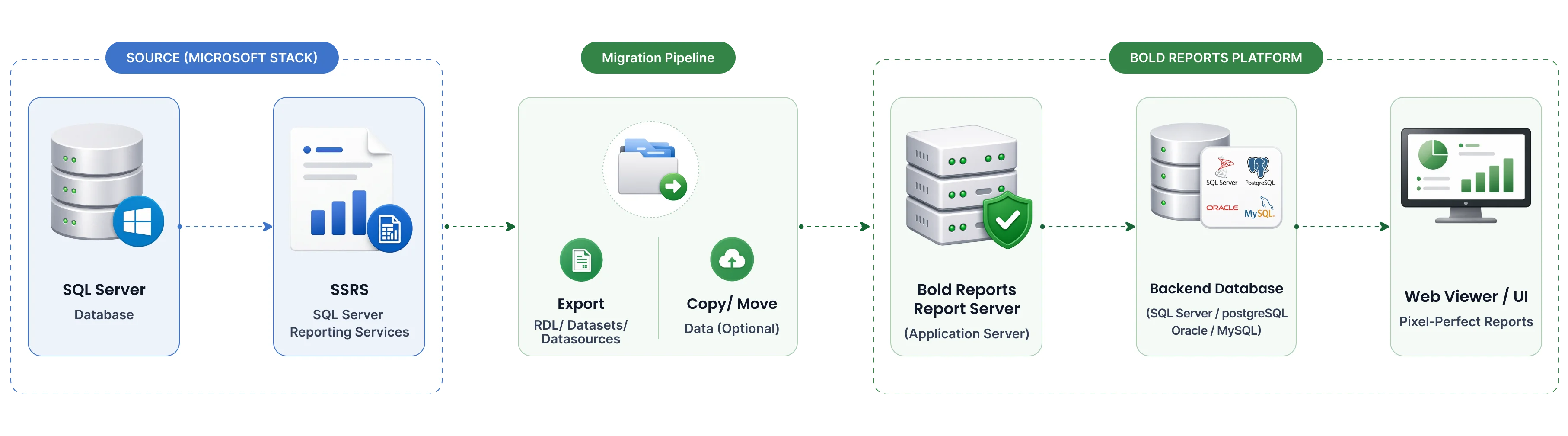
Upload existing SSRS RDL files directly into Bold Reports Server and quickly configure shared data sources to continue reporting without rebuilding.
Fully rebrand the viewer and designer to match your app’s identity, with secure tenant isolation for SaaS environments.
Run reports on Windows, Linux, Docker, and modern .NET environments without Windows-only infrastructure constraints.
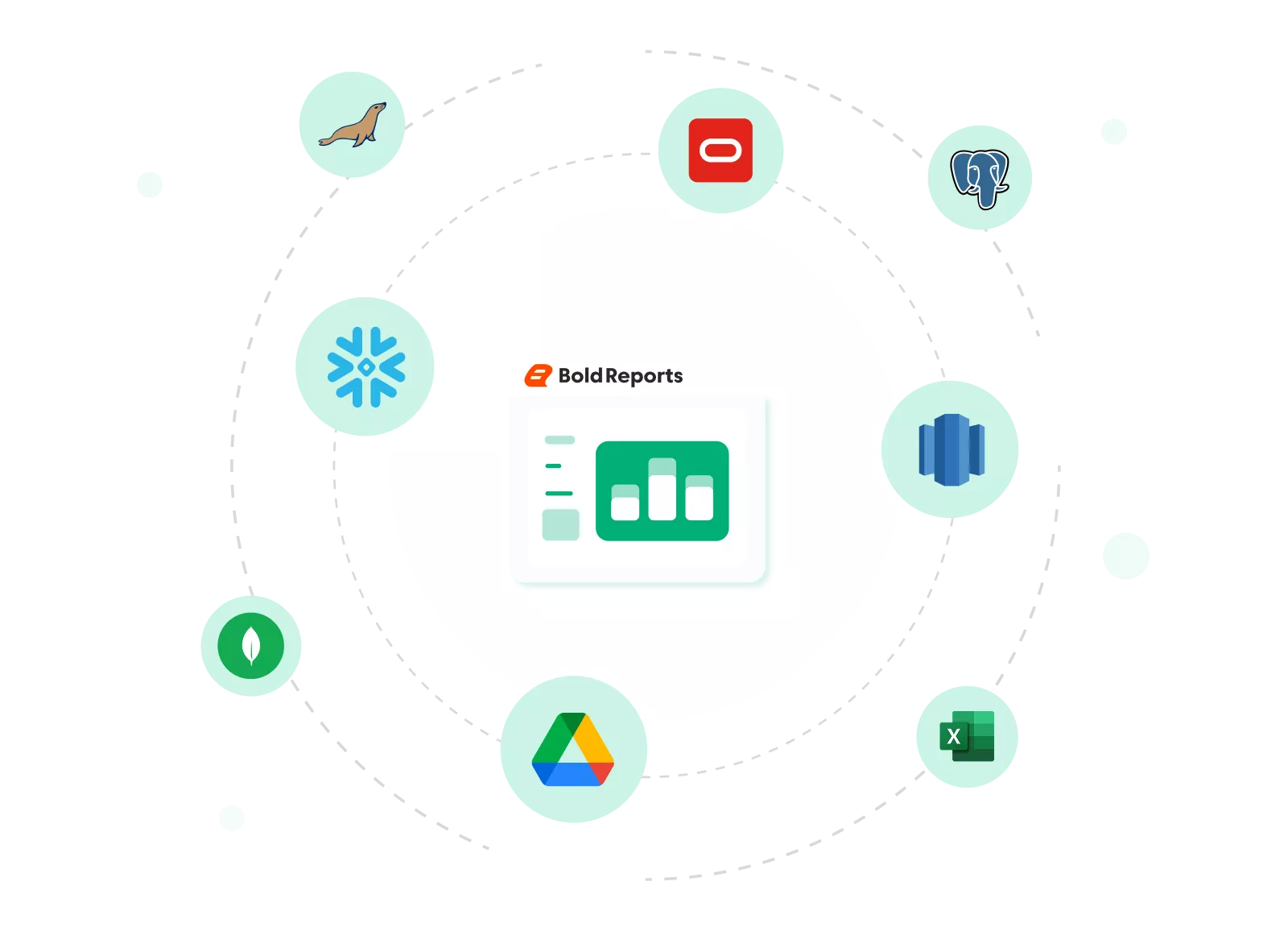
Connect instantly to 25+ sources, including modern cloud warehouses like Snowflake and Amazon Redshift.
Migration is less complex than you think. Get started in 3 steps
The Zero Rebuild Migration Process
For most standard reports, the transition is a simple self-service process that takes approximately 15 minutes for standard SSRS reports.
Import
Export your SSRS RDL files and upload them to Bold Reports Server or the Web-Based Designer with no structural changes.
Reconfigure
Re‑enter data source credentials (manual step), as SSRS does not expose stored credentials.
Validate & Publish
Validate & Publish Confirm your pixel-perfect output and publish to the reporting portal.
Scaling for Thousands of Reports? Move large SSRS environments quickly using PowerShell scripts and REST APIs to transfer folders (categories), shared data sources (.rds), shared datasets (.rsd), and bulk RDL files. Users and groups are synced via Active Directory or Azure AD, with Role‑Based Access Control (RBAC) applied to migrated report categories for minimal manual effort.
SSRS Alternative Comparison
Want to compare before migrating?
See our SSRS Alternative Comparison explains how Bold Reports differ from SSRS in deployment options, embedding flexibility, and scalability.
Migration confidence built in
Automatically Preserved SSRS Report Elements
Most SSRS reports continue to work in Bold Reports without redesign, preserving layout, logic, and behavior.
Layout Preserved
Visual report elements such as tables, matrices, charts, and layouts remain unchanged.
Dataset & Logic
Datasets, parameters, calculations work as expected without any changes
Report Interactions
Drilldown, subreports, and conditional formatting work the same after migration.
Grouping & Hierarchy
Existing grouping, sorting rules, and report hierarchy retain the same structure.
What You Gain After Migrating from SSRS
Migration with Bold Reports preserves your existing RDL investments while enabling a flexible, modern reporting architecture designed for today’s applications.
Flexible Embedded Reporting
Built to integrate reporting directly into modern applications.
- Use native SDKs for ASP.NET Core, Angular, React, and Blazor.
- Embed reports seamlessly within application interfaces.
- Deliver insights where users already work.
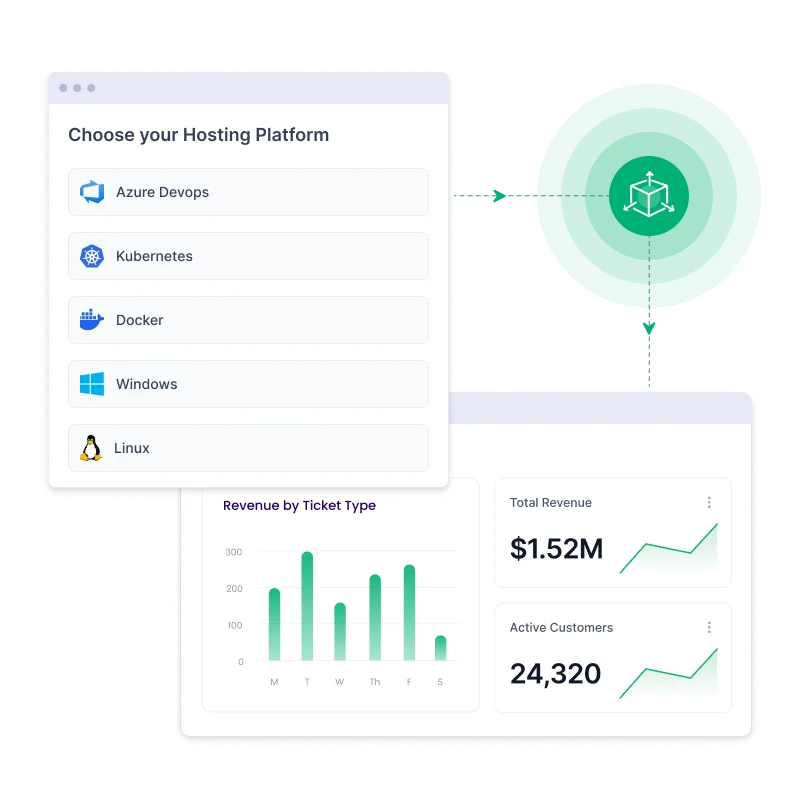
Modern Deployment Options
Designed to fit modern infrastructure strategies without platform constraints.
- Run natively on Linux‑based environments.
- Deploy using Docker and Kubernetes.
- Support cloud and hybrid setups, including Azure.
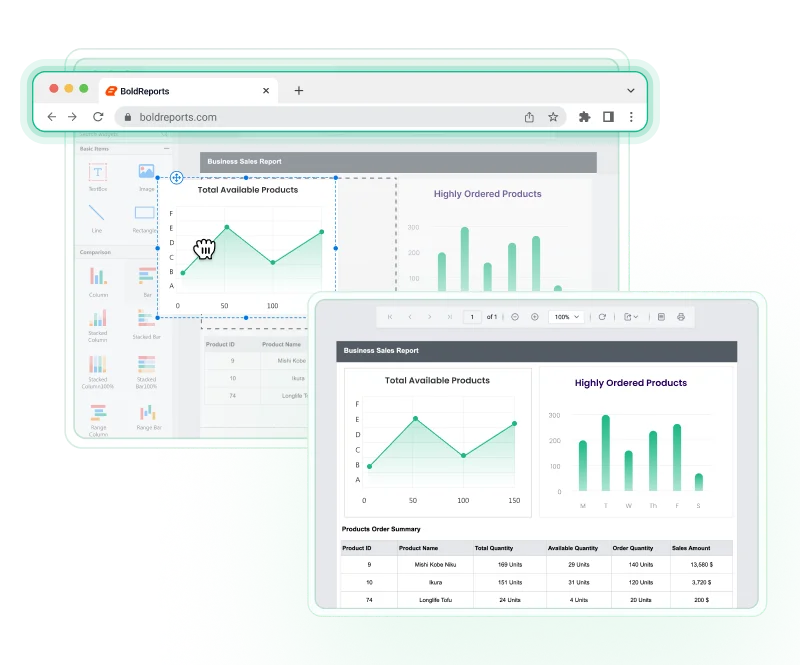
Web-Based Report Design Experience
Enable faster report updates without relying on desktop-only tools.
- Design and edit reports directly in the browser
- Reduce dependency on Windows-based designer installations
- Empower business users with self-service report updates
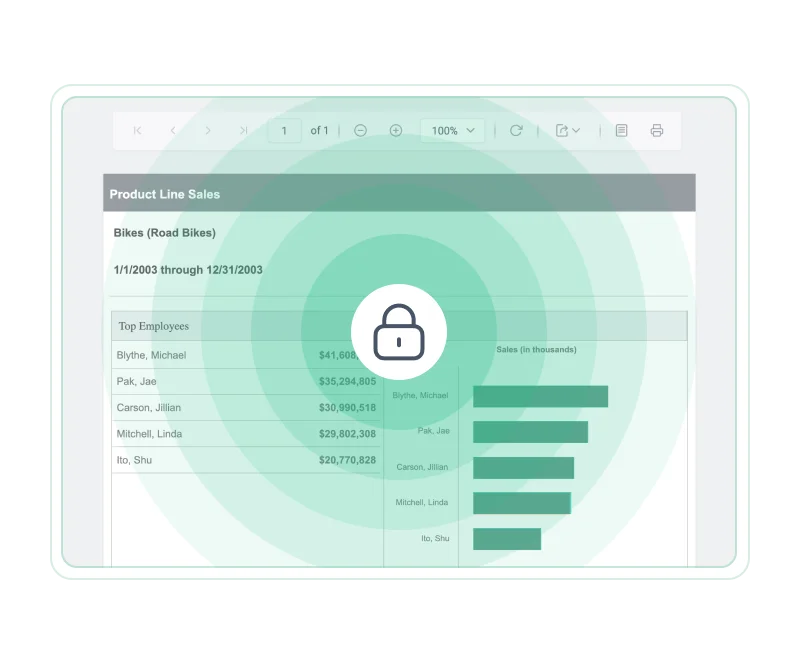
Enhanced Security & Governance
Provides enterprise‑level controls to protect data and manage access.
- Support for OAuth 2.0 and OpenID Connect authentication.
- Role‑based access control (RBAC) for secure permissions.
- Designed to align with HIPAA and SOC 2 compliance needs.
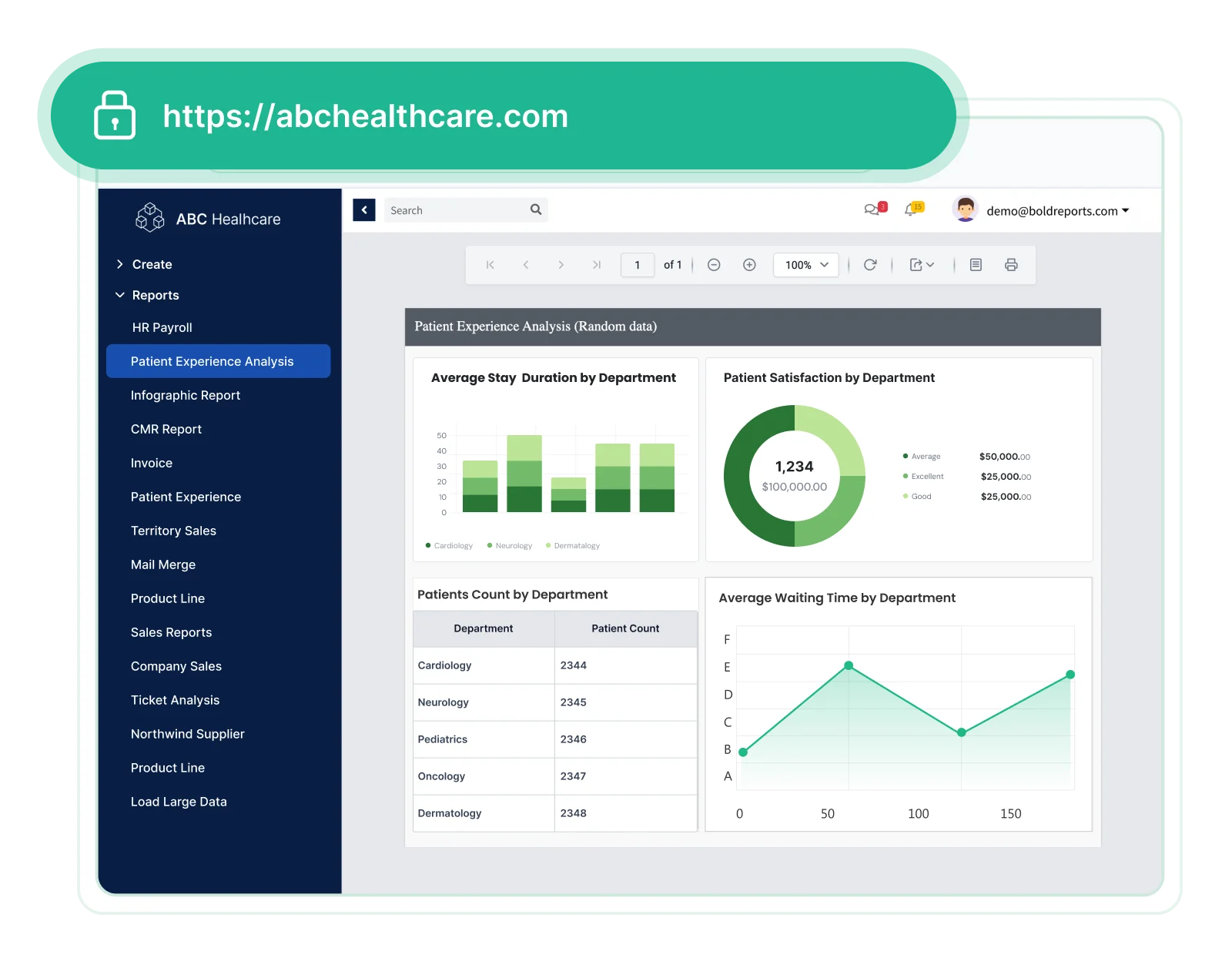
Simplified Administration
Reduces operational overhead with centralized and intuitive management.
- Unified web portal for report and user administration.
- Manage permissions, schedules, and categories in one place.
- Streamline ongoing maintenance and governance tasks.
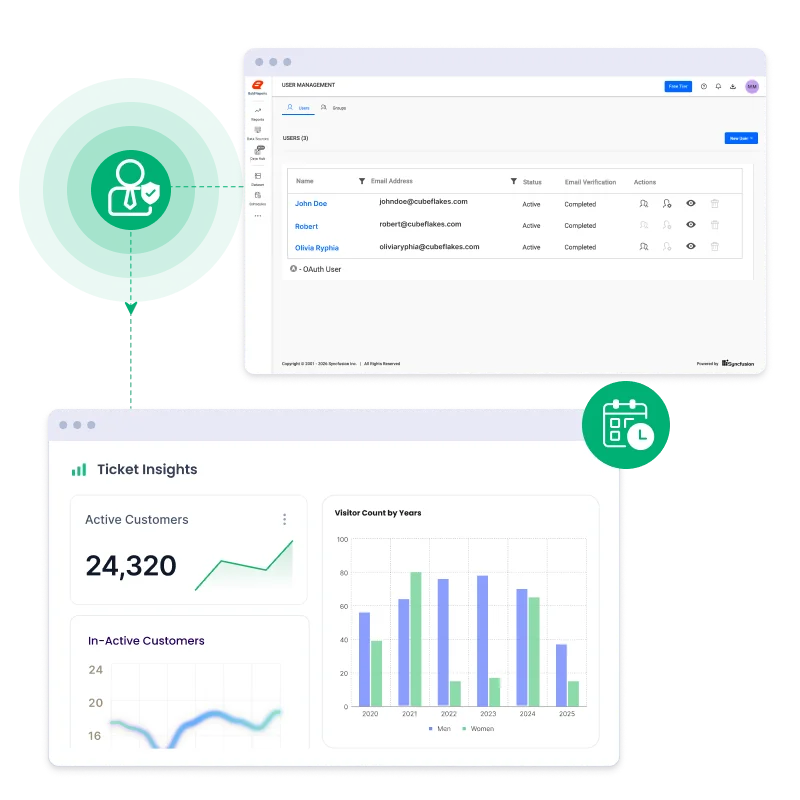
Built for Enterprise Developers
Designed for teams building and maintaining large‑scale reporting systems with enterprise‑level operational requirements.
-
Automation For large environments, use PowerShell scripts and REST APIs to automate the migration of entire report categories.
-
Security Native integration with OAuth, JWT, and Active Directory ensures secure enterprise access.
-
High Performance Optimized memory usage and caching ensure smooth rendering even for reports with millions of records.
Trusted by Modernizers, Built for Developers
Bold Reports empowers every stakeholder in the migration process:
For IT Architects
Focused on stability, risk reduction, and long‑term architecture decisions.
- Reuse existing RDL assets to preserve long‑standing business logic.
- Reduce migration risk with standards‑based RDL compatibility.
- Support modern architectures without locking into legacy infrastructure.
For Developers
Built for teams integrating reporting into modern applications and workflows.
- Embed reporting into modern stacks with native .NET 10 support.
- Integrate easily using 20+ SDKs and framework integrations.
- Maintain control with APIs, automation, and developer‑friendly workflows.
For Business Users
Designed for teams that need faster reporting without technical dependencies.
- Design and edit reports using a drag‑and‑drop web designer.
- Eliminate reliance on desktop‑only, technical tools.
- Enable self‑service reporting without ongoing developer involvement.
Here's why our customers love us
See how Bold Reports is making an impact in businesses with powerful reporting, as shared by our satisfied customers.
Bold Reports is a user-friendly and powerful reporting tool. The desktop designer and writer for .NET Core make report creation easy, and connecting to databases is seamless. It’s a great solution for generating offers, invoices, and reports in our CRM app.
Muhammed Y
Co-Founder & Full-Stack Developer

We switched from SSRS with little effort. It works great in our WPF and Blazor applications, supports our old reports, and lets developers create new ones easily. The pricing is fair for ISVs, and the support team is fast and helpful. Onboarding was smooth and responsive.
Aaron S
CEO
Bold Reports was easy to integrate and works smoothly. It creates clean, professional-looking reports, and the documentation is clear with plenty of helpful examples. I had no issues during setup and it was a great experience overall.
Domenico D
Funzionario

Bold Reports is easy to use, enabling both teams and business users to modify reports confidently. Setup is quick and smooth. It integrates well with SQL Server, Microsoft Fabric, and other tools, reduces infrastructure complexity, and works reliably for recurring reports.
Brad M
Chief Information Officer


Bold Reports is a user-friendly and powerful reporting tool. The desktop designer and writer for .NET Core make report creation easy, and connecting to databases is seamless. It’s a great solution for generating offers, invoices, and reports in our CRM app.
Muhammed Y
Co-Founder & Full-Stack Developer
We switched from SSRS with little effort. It works great in our WPF and Blazor applications, supports our old reports, and lets developers create new ones easily. The pricing is fair for ISVs, and the support team is fast and helpful. Onboarding was smooth and responsive.
Aaron S
CEO
Bold Reports was easy to integrate and works smoothly. It creates clean, professional-looking reports, and the documentation is clear with plenty of helpful examples. I had no issues during setup and it was a great experience overall.
Domenico D
Funzionario
Bold Reports is easy to use, enabling both teams and business users to modify reports confidently. Setup is quick and smooth. It integrates well with SQL Server, Microsoft Fabric, and other tools, reduces infrastructure complexity, and works reliably for recurring reports.
Brad M
Chief Information Officer

Regional Leader - Fall 2025 EMEA
Momentum Leader - Fall 2025
High Performer - Winter 2025
Best Support - Winter 2025
TrustRadius Tech Cares
Capterra - 4.8/5
G2- 4.1/5
GetApp - 4.8/5
Software Advice - 4.8/5
Frequently Asked Questions
-
Migration Basics
-
Migration Process
-
Data, Security & Performance
-
Platform & Embedding
-
Migration Decisions
Yes, Bold Reports maintains pixel-perfect output in the web viewer and across all export formats, including PDF, Excel, and Word.
Organizations commonly migrate to Bold Reports to preserve pixel-perfect SSRS reports while gaining modern web embedding, cross-platform deployment, and cloud-ready architecture.
No, Bold Reports follows the same XML schema as SSRS, so RDL and RDLC reports run without manual changes. Layouts, parameters, expressions, grouping logic, and export behavior remain unchanged.
Any customer using SSRS with RDL or RDLC reports can migrate. Migration works for both small teams and large enterprises, regardless of report volume.
Migration is direct and native.
- No transformation layer
- No conversion tools
- No transformation layer
Reports are imported using the same RDL schema as SSRS.
Re-entering data source credentials. SSRS does not allow stored credentials to be exported.
Migration time depends on the number of reports and environment complexity. Typical migrations can be completed in around 15 minutes for smaller environments.
Yes, existing SSRS environments remain unchanged during migration, allowing teams to validate reports and complete migration safely before production rollout.
Yes, most customers migrate on their own, but Bold Reports provides onboarding support that includes:
- Migration guidance
- Report validation
- Deployment and security best practices
Support is always available if needed.
Embedded data sources work without modification. Bold Reports uses the existing connection strings defined in the report.
Schedules and exports can be recreated after migration to ensure reports continue running as expected.
The Report Designer and ASP.NET Core Report Viewer include performance settings that optimize caching, memory usage, and exports, ensuring smooth performance with large datasets.
Yes, Bold Reports supports OAuth, JWT, and Active Directory for secure enterprise access.
Yes, you have three options:
- Local embedding with RDL files in your ASP.NET Core app
- Enterprise Server integration using authorization tokens with shared sources and datasets
- Direct SSRS server connection via server URL and credentials
Bold Reports supports ASP.NET Core, Angular, React, and MVC frameworks, making it easy to integrate reports into modern web applications.
Yes, migration can be automated using PowerShell scripts and REST APIs for large report environments.
Yes, Bold Reports provides guidance for migrating servers across SQL, PostgreSQL, MySQL, and Azure App Service environments, ensuring flexibility for different infrastructures.
Yes, teams can start with a free trial to validate report compatibility, migration feasibility, and deployment requirements before choosing a licensing plan.
Yes. Free SSRS migration is available for eligible paid Bold Reports customers. Existing RDL and RDLC reports can be reused, enabling teams to transition without rebuilding reports from scratch.
Organizations commonly gain easier report embedding, modern deployment flexibility, improved administration, and continued use of existing SSRS reports without rebuilding them.
Ready to Move Safely from SSRS?
Migrate at your own pace without breaking what already works.
No credit card required.