Resolved the `hideexportlist` custom property issue in Angular.
Fixed the textbox visibility issue that occurred when EnableVirtualEvaluation was set to true and
ExcelLayoutOption was configured as IgnoreCellMerge.
Fixed an issue where expression was not parsed properly when a static value was used in a filter
expression.
Resolved the `key not found` exception in the WPF platform when using Print layout.
Fixed the issue with nested lookupset when SQL and WebAPI datasets were used together in a lookupset
function.
11.1.20
Released on Nov 19, 2025
Improvements
Report Viewer
Added support for the print option in the mobile layout.
11.1.19
Released on Nov 12, 2025
Improvements
Report Designer
Resolved an inconsistency in the merge cell option between Tablix group and non-group columns.
Resolved inconsistencies in color selection for the ‘Indicator Status’ property.
Ensured that available and default values in report parameters linked to query parameters are
retained when refreshing shared datasets.
Report Viewer
Fixed an issue where the default value of a multi-value parameter was not properly set when
configured using the client API.
Resolved the issue where the ‘ParentReportItem’ tag was added even when it was set to ‘None’ in the
Indicator report item.
Fixed the DateAdd function to correctly handle quarter interval.
Provided custom property support for hiding specific legend items in the Report Viewer.
Resolved the Content Security Policy (CSP) issue in the right-side toolbar of the Report Viewer.
Improved the performance and reliability of RDLC raw data export.
11.1.18
Released on Nov 5, 2025
Improvements
Report Viewer
Provided PDF/A4 conformance support for PDF exports.
Resolved an issue where optional groups were not functioning correctly in newly edited reports.
Resolved an issue where the legend reverse property was not functioning correctly for stacked column
charts in the Report Viewer, ensuring behavior now aligns with SSRS standards.
Fixed a bug where tooltips were incorrectly displayed for data points without values in the chart
preview when the enableCrossAxisTooltip property was enabled.
11.1.17
Released on Oct 29, 2025
Improvements
Report Designer
Resolved a UI collapse issue that occurred when merging cells in Tablix report items.
Report Viewer
Fixed an issue where the page break functionality was not working when set configured using an
expressions in tablixTablix group items.
Resolved an issue where the DateTtime parameter change event was not triggered properly in the EJej2
viewer.
Resolved the issue where spacinge was removed when there is no data was present, and `no row`
message was configured for the Tablix.
11.1.16
Released on Oct 22, 2025
Improvements
Report Viewer
Handle null values for background images in report items.
11.1.14
Released on Oct 15, 2025
Improvements
Report Designer
Provided an API ’enableReportPart’ to allow users to view and publish report items as
reusable report parts.
Provided an API ’enableParameterOperator’ to show the option to enable the operators in
report parameters.
Database list now loads correctly even when the ‘Save Password’ checkbox in the SQL
connector is unchecked.
Report Viewer
Resolved the “Page Key Not Found” exception encountered during navigation in the WPF
platform.
Implemented custom property support to manage selected values in dropdown lists.
Downgraded .NET 8.0 framework-dependent package versions for compatibility.
Added support for exporting raw data in the RDLC Report Viewer.
Fixed the issue where available values for DateTime parameters were not loading in cascading
scenarios.
11.1.13
Released on Oct 8, 2025
Improvements
Report Designer
#753089 – Fixed an issue where the context menu disappeared when the cursor was moved
rapidly.
Report Viewer
Resolved an issue with sorting dataset fields based on dependent dataset fields.
Added API support for ‘ExcelLayoutOption’ in Excel export.
Implemented center alignment support for the Image report item in both preview and export
modes.
Fixed an issue where Tablix column content was truncated in preview when a left indent was
applied to the cell in Report Viewer.
Ensured that the TOP clause specified by the customer in the dataset query takes precedence
over the fetch limit in report preview.
Addressed overlapping and font rendering issues in HTML report export.
Fixed an issue where reports using code modules failed when file storage settings were
enabled.
Handled DBNull values passed through format functions to prevent the Hash error in Report
Viewer.
Resolved an issue where barcodes were not rendered in the WPF Viewer.
Resolved the error that occurred when multiple click actions were performed on the page
navigations.
11.1.12
Released on Oct 1, 2025
Improvements
Report Viewer
Resolved Content Security Policy (CSP) violations that caused an ‘EvalError’ during the
initialization of the Bold Reports viewer (DropDownList/toolbar).
11.1.11
Released on Sept 24, 2025
Improvements
Report Designer
Resolved the issue preventing the Undo function from restoring the initial border settings
in Tablix report items.
Report Viewer
Provided support for background images when using a database image for rectangle report
items.
Resolved the issue where percentage formatting was not working when using variable
expressions in the Report Viewer.
Fixed chart rendering issues that occurred during export and viewing when border radius and
background color are applied.
Resolved the issue where the code module was not working in a scalable environment with file
storage.
Resolved the issue with Word options not being properly passed from the controller to the
Word document when file storage is enabled.
Ensured that custom export item values are correctly passed in the ‘ExportItemClick’ event.
Ensured proper disposal of print data when using a custom printer.
Upgraded the dependent packages in npm.
11.1.10
Released on Sept 15, 2025
What’s New
Report Server
Added support for generating Bold Reports access tokens via Microsoft Azure Entra ID
authentication.
Enabled bulk report download and upload functionality.
Introduced file upload capability along with corresponding API support.
Report Designer
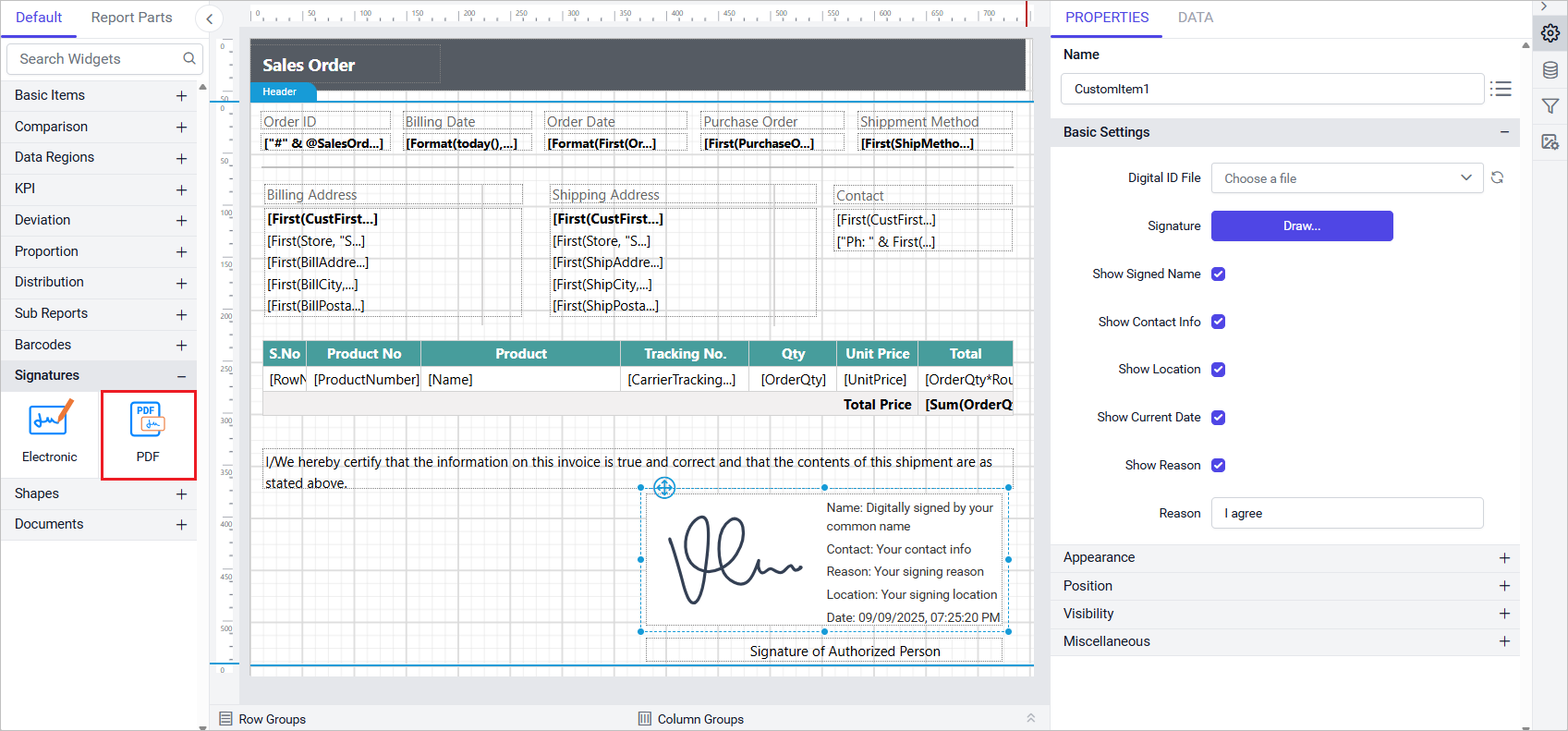
Added support for the ‘PDF Signature’ custom report item.
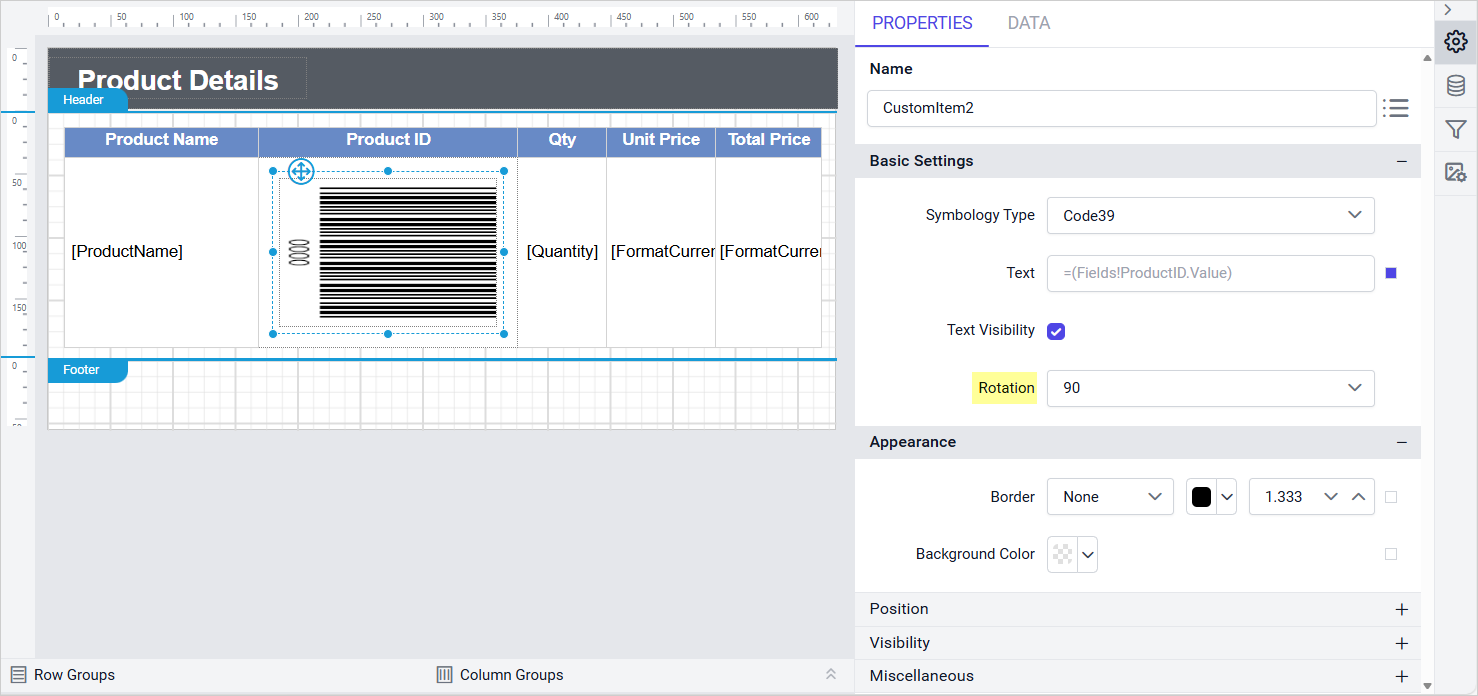
Added a ‘Rotation’ property for Barcode custom report items.
Provided an option to load custom styles from each tenant.
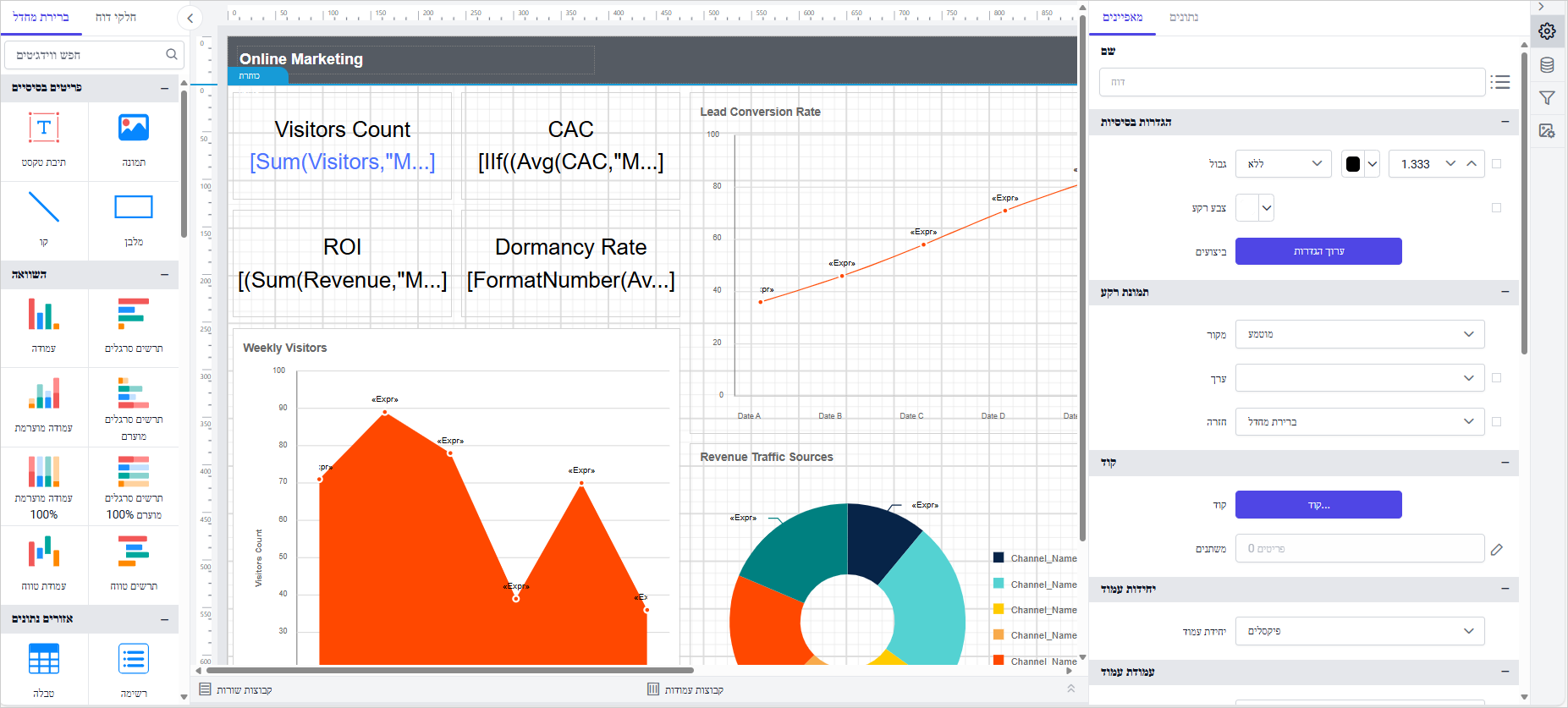
Added support for Hebrew (he-IL)culture.
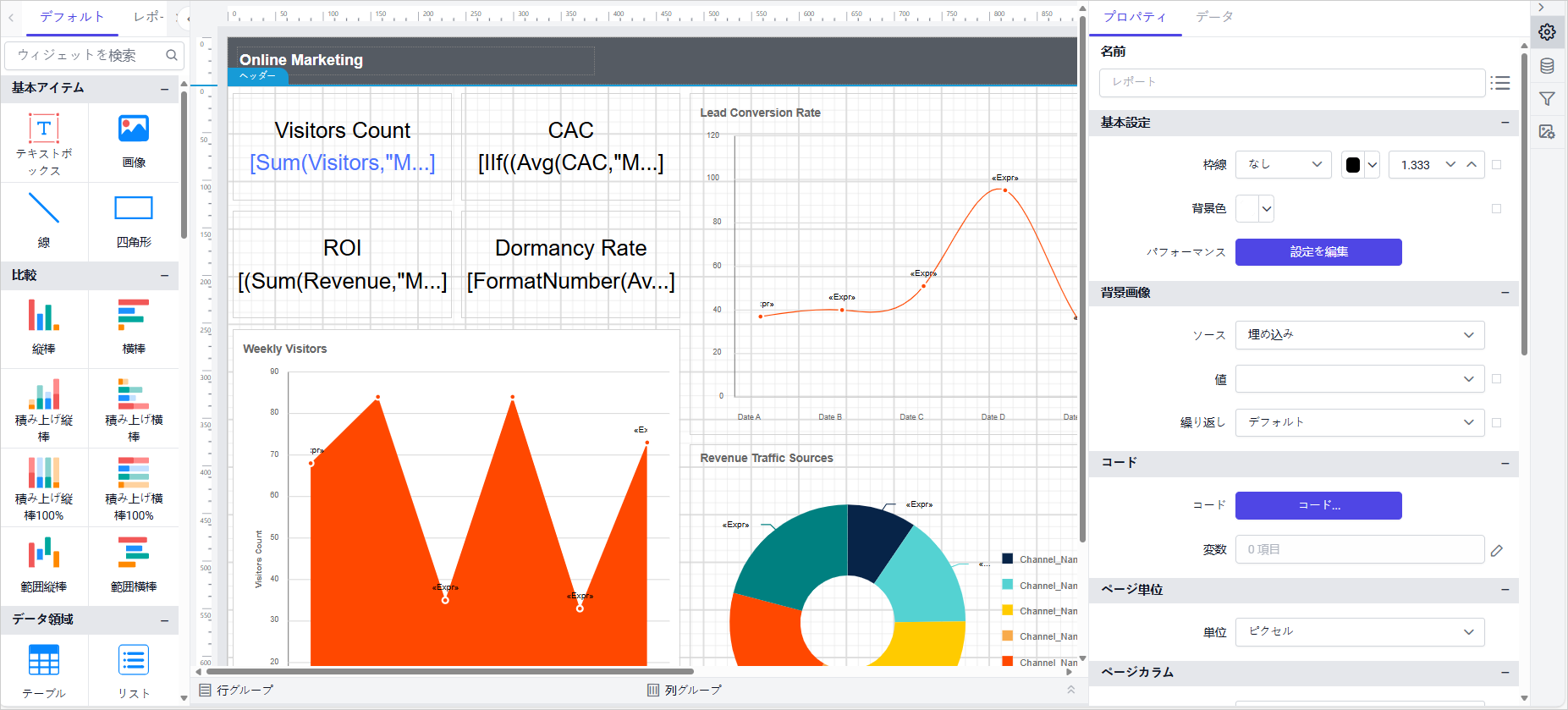
Added support for Japanese (ja-JP)culture.
Added support for Portuguese (pt-PT)culture.
Added support for Russian (ru-RU)culture.
Added support for Simplified Chinese (zh-Hans)culture.
Added support for Traditional Chinese (zh-HANT) culture.
Report Viewer
Added support for PDF digital signatures in report exports, enabling secure and
authenticated document output with improved compliance for regulatory and audit
requirements.
Introduced a new processing engine that optimizes chart and table rendering for large
datasets by leveraging server-side aggregation and grouping at the database level,
significantly reducing service load and enhancing overall performance and memory efficiency.
The report viewer now supports previewing HTML and PDF documents uploaded from the report
server, enabling report content to reference server-hosted files for improved accessibility,
centralized management, and streamlined document integration.
Added support for ARGB color values, enabling transparent styling of report elements to
enhance visual design and layout flexibility.
IDP
Provided Embed Secret support for Bold Reports.
Improvements
Report Server
Added support for loading custom fonts from the file directory.
Enabled access to generate the Bold Reports access token by validating the UMS embed secret.
Added support for expressions in the scheduled email template.
Added support to update user email and username through the API.
Provided support to remove GUID ID from the reports URL.
Added email template support for the Add and Update Schedule API.
Provided API support for local export, FTP/SFTP, and S3 bucket in AddSchedule,
UpdateSchedule, and GetSchedule.
Added API support for publishing reports to both internal and external sites.
Added API support for custom schedule options.
Report Designer
Enabled transparency setting in the color picker.
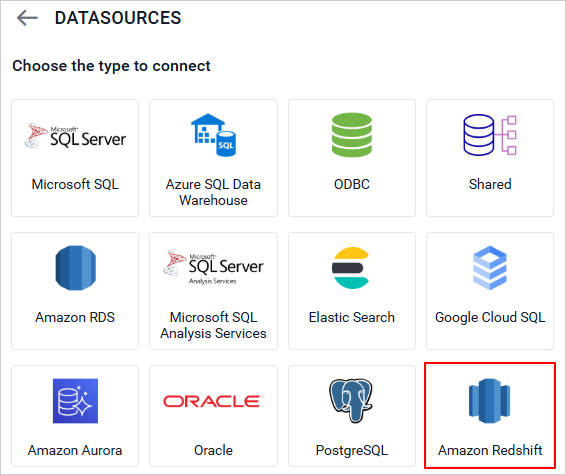
Enhanced Amazon Redshift Data Connector with Spectrum Support.
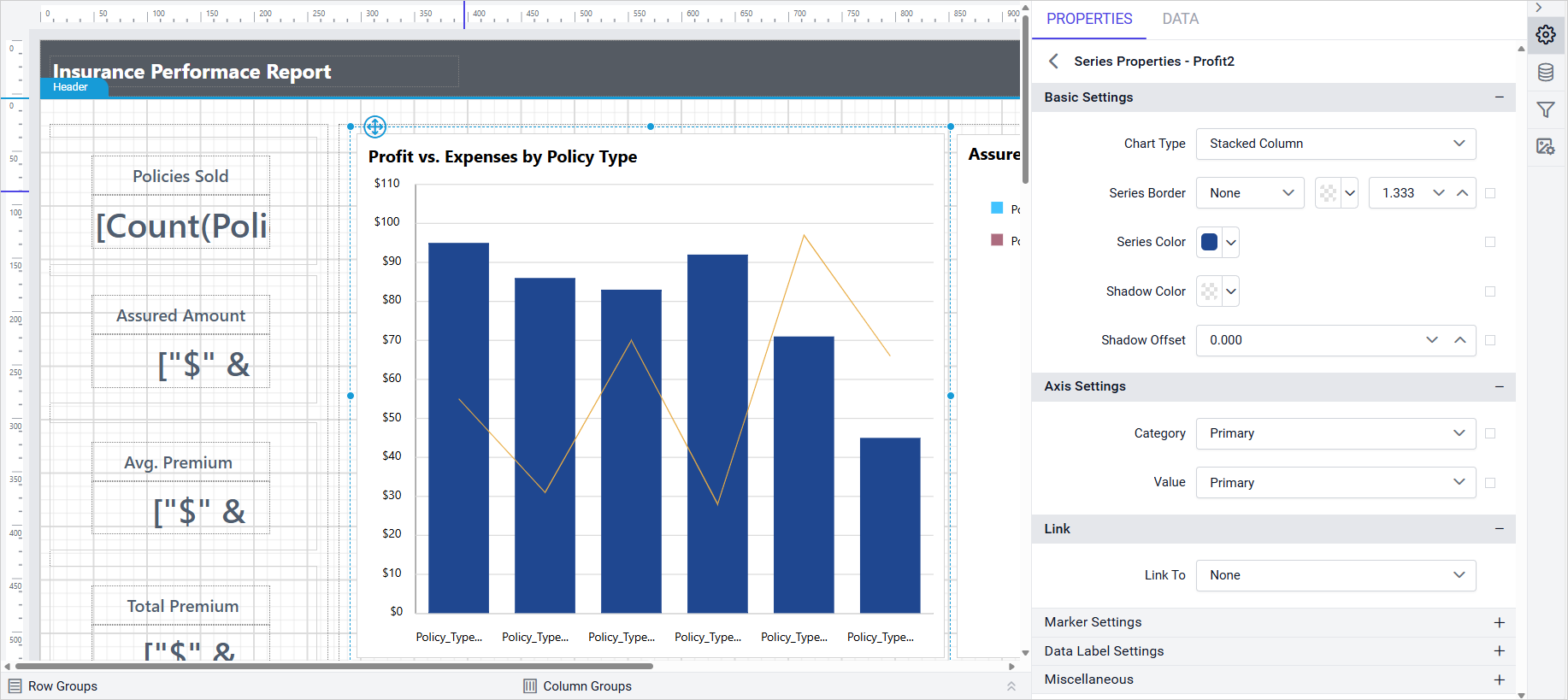
Improved chart stacked series types to allow combination with other chart types.
Enabled search option for combo box controls.
Fixed CSP violation failures caused by ‘unsafe-eval’.
Fixed security vulnerabilities to improve application safety and compliance.
Fixed issue to hide the hyperlink in the performance settings tooltip.
Fixed table drag-and-drop issue in Query Designer when designer ID contains special
characters.
Fixed issue where clicking parent item with submenu triggers the first item by default.
Fixed issue with reading custom-styles file from preconfigured location for Azure
applications.
Report Viewer
Hidden parent group columns are now excluded from CSV exports for cleaner data output.
Added support to customize column chart and bar chart corner radius.
Report Writer now shows currency in the correct format based on the provided language
settings.
Improved toolbar icon visibility in the preview when error messages are displayed.
Provided support to customize the color palette for charts using the custom style.
Introduced a custom property “ToggleIconColor” for changing the Tablix toggle icon
color.
Provided the custom property “ShapeWidth” for adjusting the chart legend shape width.
Provided support to exclude blank page rendering in PPT and PDF export using the custom
property “ExcludePPTBlankPage” and “ExcludePDFBlankPage”.
Provided support for toggling the visibility of Tablix group items using a textbox located
outside the Tablix region.
Improved the page break functionality in the main report when configured in the sub report
table.
Add side panel support for the classic toolbar custom items in v2 viewer.
Now, retrieve username using expression =User!UserID by recommending configure
UserBasedFilterType tag on Enterprise server.
Bold Data Hub
Provided support for snowflake, OneDrive, Redshift connector in Bold Data Hub.
Provided incremental refresh support for Google Ads.
Provided Support for Anonymous S3 Access in Bold Data Hub.
Bug Fixes
Bold Data Hub
Fixed validation not added for Postgres connector in Data Hub.
Fixed excel not connecting with multiple sheets issue in Bold Data Hub.
JSON Object is not extracted in Bold Data Hub issue.
Fixed Blob datatype not supported in SQL Datastore issue.
#733082 – Fixed Bold Data Hub S3 copy – wouldn’t take anonymous buckets.
IDP
#707105 – Addressed a deployment failure in Oracle database server caused by recent table
structure changes.
#734790 – Fixed an issue where default login settings were not being saved in the site
authentication settings.
#732356 – Fixed an issue where the admin utility was not functioning correctly despite
returning a proper response.
#739751 – Resolved a deployment issue with MSSQL shared databases when using an existing
database.
#737480 – Fixed an issue where uploaded fonts were not reflected on the page after being
updated in the Look and Feel settings.
Fixed an issue where the “Reset Password” email was not being sent from the User Management
System (UMS).
Breaking changes
Report Viewer
The return type of the GetItemDefinition overrides in projects inheriting from the
BoldReports.ServerProcessor.ReportingServer class has changed from byte[] to ItemDefinition.
This change enables access to extended file metadata, including file version, extension,
password, and the file’s byte content. Existing implementations may require updates to
accommodate the new return type.